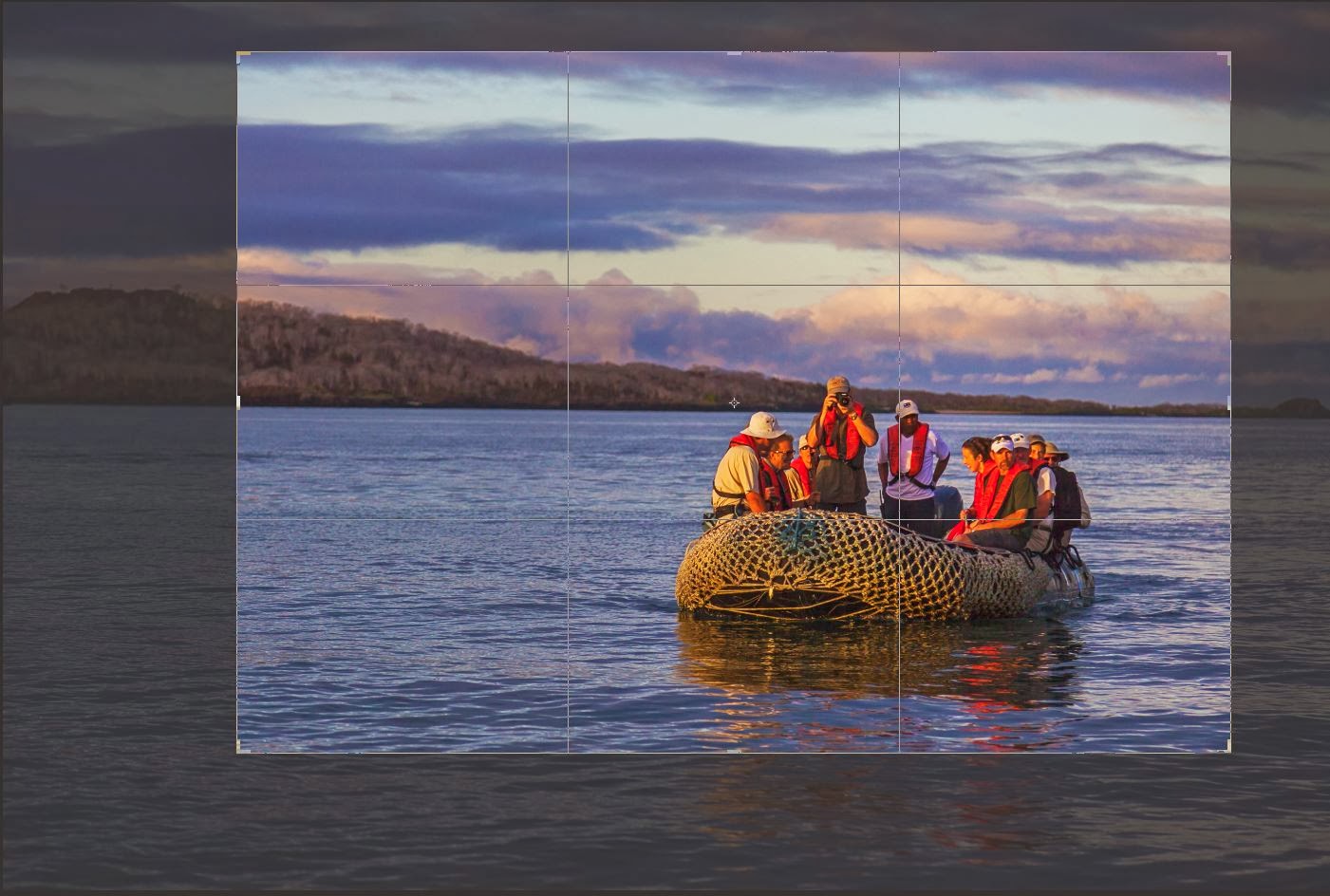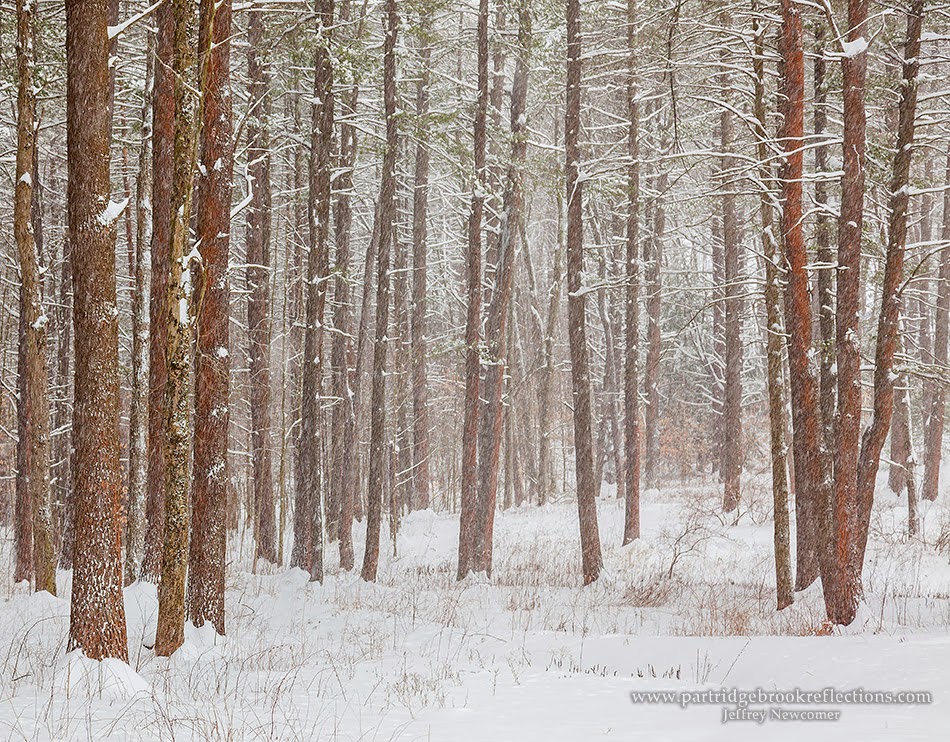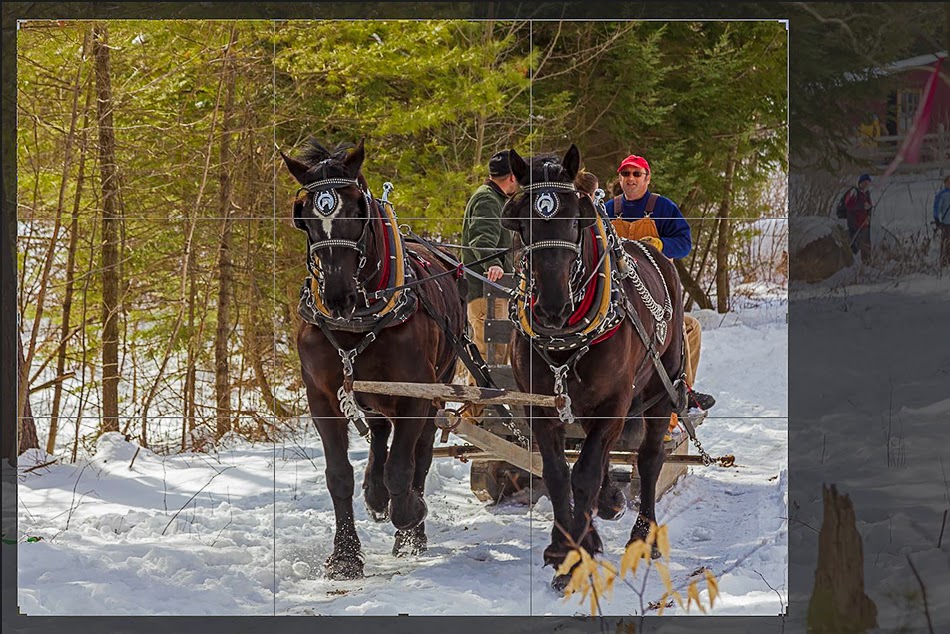

The more I show my work in galleries and on-line, the more I recognize a set of routine comments and questions. There are the welcomed reactions; "Beautiful work", "I love your work", but these satisfying comments are often paired with the less straight foreword, "Looks like a painting". I'm no longer annoyed by the "painting" comment. I simply choose to interpret the sentiment as meaning that my photograph doesn't look like the standard film photograph with all its limitations of color, focus and dynamic range.
Then there are the two most common questions. The first "What camera did you use?" makes me want to bludgeon the questioner with the
 |
| The Right Moment |
"Did you use Photoshop on that?"
and its corollary,
"Did it really look like?".
 |
| Storm Over Portland Head Light |
The Photoshop Stigma
The world has become thoroughly familiar with the power of image editing programs, such as Photoshop, to alter reality. Everyone has seen the atrocious examples of flawless models with
 legs twice as long as anatomically
possible, and breasts which are incompatible with an upright posture. It is not
surprising that our audience would wonder how well our images actually reflect
the natural experience. Of course, Lightroom now enters into this
discussion, but it is Photoshop which by far carries the greatest stigma. As
someone who invariably incorporates Photoshop into my artistic process, I have
struggled with the appropriate answer to this pointed challenge and I have come
to appreciate that the answer must vary depending on how editing contributes to
our own images and how much the critic really wants to hear.
legs twice as long as anatomically
possible, and breasts which are incompatible with an upright posture. It is not
surprising that our audience would wonder how well our images actually reflect
the natural experience. Of course, Lightroom now enters into this
discussion, but it is Photoshop which by far carries the greatest stigma. As
someone who invariably incorporates Photoshop into my artistic process, I have
struggled with the appropriate answer to this pointed challenge and I have come
to appreciate that the answer must vary depending on how editing contributes to
our own images and how much the critic really wants to hear.  |
| Old Faithful Dawn |
Although I can't say that I've found the perfect response, my own explanations have evolved, and hopefully matured, over time.
Oops You Caught Me
 An early reaction to this question
stemmed for a embarrassed sense of insecurity and guilt. "Well yes, but only a
little.", followed by an apologetic listing of every wire that was removed and
every tweaked shadow or highlight. Partially, the goal was to overwhelm with enough minute detail to make the questioner wander away from shear
boredom. But I think I was also trying to convince myself that I wasn't cheating
Mother Nature. The whole process became exhausting, leading to the natural
over-reaction.
An early reaction to this question
stemmed for a embarrassed sense of insecurity and guilt. "Well yes, but only a
little.", followed by an apologetic listing of every wire that was removed and
every tweaked shadow or highlight. Partially, the goal was to overwhelm with enough minute detail to make the questioner wander away from shear
boredom. But I think I was also trying to convince myself that I wasn't cheating
Mother Nature. The whole process became exhausting, leading to the natural
over-reaction.Damn Right I Used Photoshop,
What Are You Going to Do About It!
Probably not the best retort, but it does tend to end the discussion more quickly.
Question; "Did that sunset really look like that?".

Answer; "I can't precisely remember what it really looked like, maybe I should have taken a picture? Wait a minute, I DID! and here it is! You moron!!"
Ok, as much as I would have enjoyed it, I never actually said that. Although infinitely more satisfying, the aggressive responses are no less a sign of insecurity and don't accomplish anything to explain the nuanced decisions that go into editing choices in digital photography. So take a deep breath.
Let's start again.
-----------------------------------------------------------------------------------------------
Did You Use Photoshop on That?
Yes
 Not "Yes, But",
but, without hesitation, "Yes absolutely". "And here's why my images deserve
everything I can do to make them the best they can be".
Not "Yes, But",
but, without hesitation, "Yes absolutely". "And here's why my images deserve
everything I can do to make them the best they can be". Start by estimating how much your questioner is likely to want to hear. I can go on for hours about the ability of Photoshop to bring out the best in an image, but a long involved dissertation is usually not the most effective approach. Based on the interest of the listener, the best response can be some combination of a number of different tracts of reasoning, and they range from the quick and coldly practical to the prolonged, warm and artsy.
The Practical
Shooting in the RAW

It's often my first response. "I always shoot in RAW, so I must use an editing program like Photoshop". RAW images embody the most complete and accurate reflection of the natural scene (The purist critics love to hear that kind of stuff) . RAW images contain the most information and provide the greatest flexibility during editing, but basic RAW images come from the camera appearing unnaturally flat, and dull. They must be edited to bring out their natural fidelity and so, of course, I must use Photoshop on every image. Quick and Simple, and although it doesn't remotely do justice to the process, sometimes that is all you need say.
Seeing Nature
Seeing What the Eye Sees
 Here is where things get a good deal more complicated and lengthy. Compared to film, digital photography provides the opportunity to capture a scene in a way which
is much closer to how our eyes actually see it. We can; expand the dynamic range, preserving
detail from brilliant highlights to the deepest shadows; achieve tack-sharp
focus from foreground to distant background; and keep color
Here is where things get a good deal more complicated and lengthy. Compared to film, digital photography provides the opportunity to capture a scene in a way which
is much closer to how our eyes actually see it. We can; expand the dynamic range, preserving
detail from brilliant highlights to the deepest shadows; achieve tack-sharp
focus from foreground to distant background; and keep color  balance true to the
subject despite the contaminating effect of varying illumination. The
capabilities are amazing, especially to someone who shot film for years, but none of this magic is possible without editing
software such as Photoshop. Although any editing can be taken too far, at its
best, Photoshop is the key to capturing the world as we actually see it. When
those unfamiliar with the "magic" look at one of these images and say, "It doesn't
look like a photograph", I believe what they are really saying is "It doesn't look
like what I expect from a standard film photograph", with all its innate limitations
and its inability to see as we see".
balance true to the
subject despite the contaminating effect of varying illumination. The
capabilities are amazing, especially to someone who shot film for years, but none of this magic is possible without editing
software such as Photoshop. Although any editing can be taken too far, at its
best, Photoshop is the key to capturing the world as we actually see it. When
those unfamiliar with the "magic" look at one of these images and say, "It doesn't
look like a photograph", I believe what they are really saying is "It doesn't look
like what I expect from a standard film photograph", with all its innate limitations
and its inability to see as we see". And to that I say, "Absolutely !"
Seeing Beyond What We Can See
 |
| Chesterfield Gorge - Infrared |
Photoshop is not solely about a slavish duplication of our natural vision. Digital photography and editing software are also about extending our vision to places we can only imagine.
 |
| Dublin Lake |
I wrote a previous article about the ability digital photography to extend our visual perception. This includes seeing into the infrared spectrum, capturing motion in time laps video and gazing deeply into the far reaches of our galaxy. And yes, Photoshop is the window to many of these remarkable, but otherwise unseen worlds.
 |
| Pemaquid Light - HDR - Don't be Afraid, Its Only Art |
It's All Art
 The most satisfying compliment that I can receive about my
photography comes when someone says,"Your pictures make me feel that I am
standing right there in the scene". For me that is the magic and the art of
photography, the ability to transport. There is no approach to image recording
that can produce a completely accurate representation of the "real" world.
Whether it is captured with colored paint, microscopic flecks of silver or tiny pixels, all
methods of recording the world can only be imperfect approximations governed as much
by the strength and limitations of the medium as by the actual experience. The
art comes from the mastery of the particular medium in an attempt to capture the
feel as well as the look of the scene.
The most satisfying compliment that I can receive about my
photography comes when someone says,"Your pictures make me feel that I am
standing right there in the scene". For me that is the magic and the art of
photography, the ability to transport. There is no approach to image recording
that can produce a completely accurate representation of the "real" world.
Whether it is captured with colored paint, microscopic flecks of silver or tiny pixels, all
methods of recording the world can only be imperfect approximations governed as much
by the strength and limitations of the medium as by the actual experience. The
art comes from the mastery of the particular medium in an attempt to capture the
feel as well as the look of the scene.
 |
| Sunset in the Field |
 |
| Lupine Sunrise |
To me, someone who looks at any image and asks, "Is that what it really looked like" is fundamentally missing the point. If they want to know what
it "actually looked like", they should get out of bed at four in the morning to actually see and feel the sunrise for themselves. The test of any artistic rendering of reality extends far beyond the mere fact of the image, and how it was created, to how the work makes you feel. That deeper sense of the art comes only when questions about the kind of brush used or the way the pixels where brought to life are set aside. When the viewer can be transported, to stand next to the artist in the field and smell the freshly cut grass.
 |
| Rye Beach Rainbow |
Whew! That was undoubtedly the most intense collection of artsy gobbly-gook I have ever produced, but don't blame me, the question was asked. I would love to hear how you respond to the Photoshop Challenge. Hopefully after all the talk of RAW images, the nature of seeing and the art of reality, the poor victim's eye will have glazed over and he will just buy the damn painting.
Oops, I mean photograph!
Partridgebrookreflections.com